A basement design app, not a CAD program
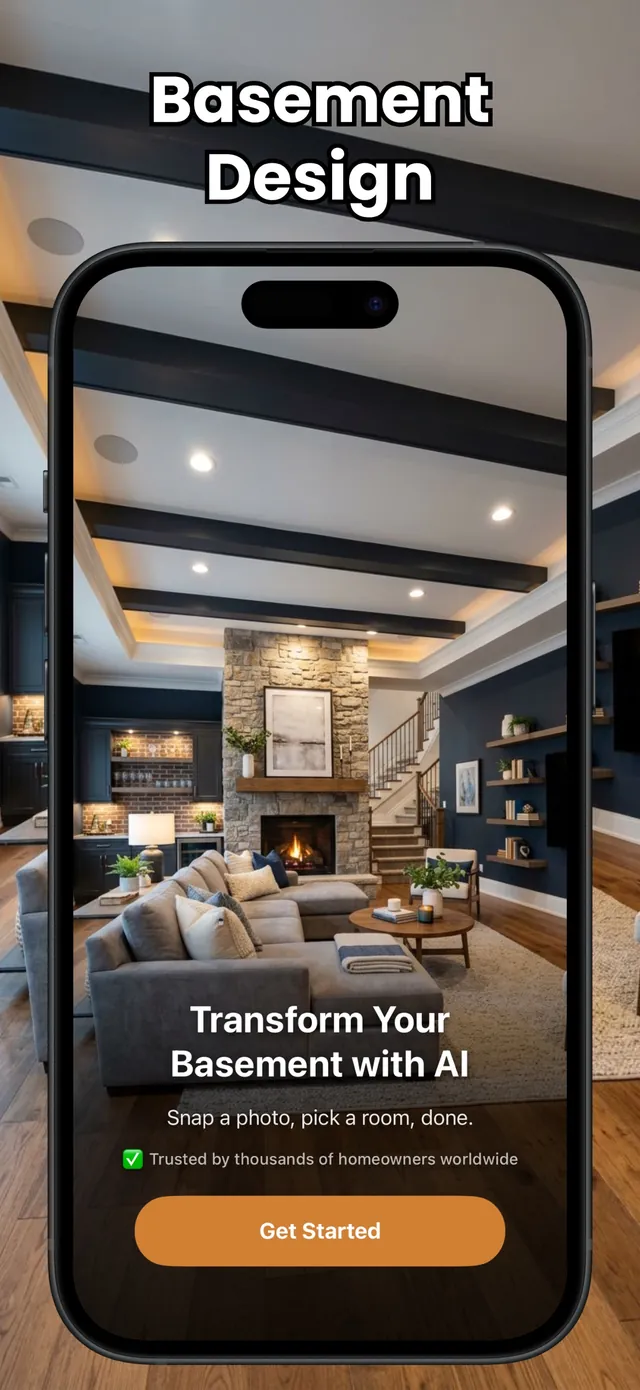
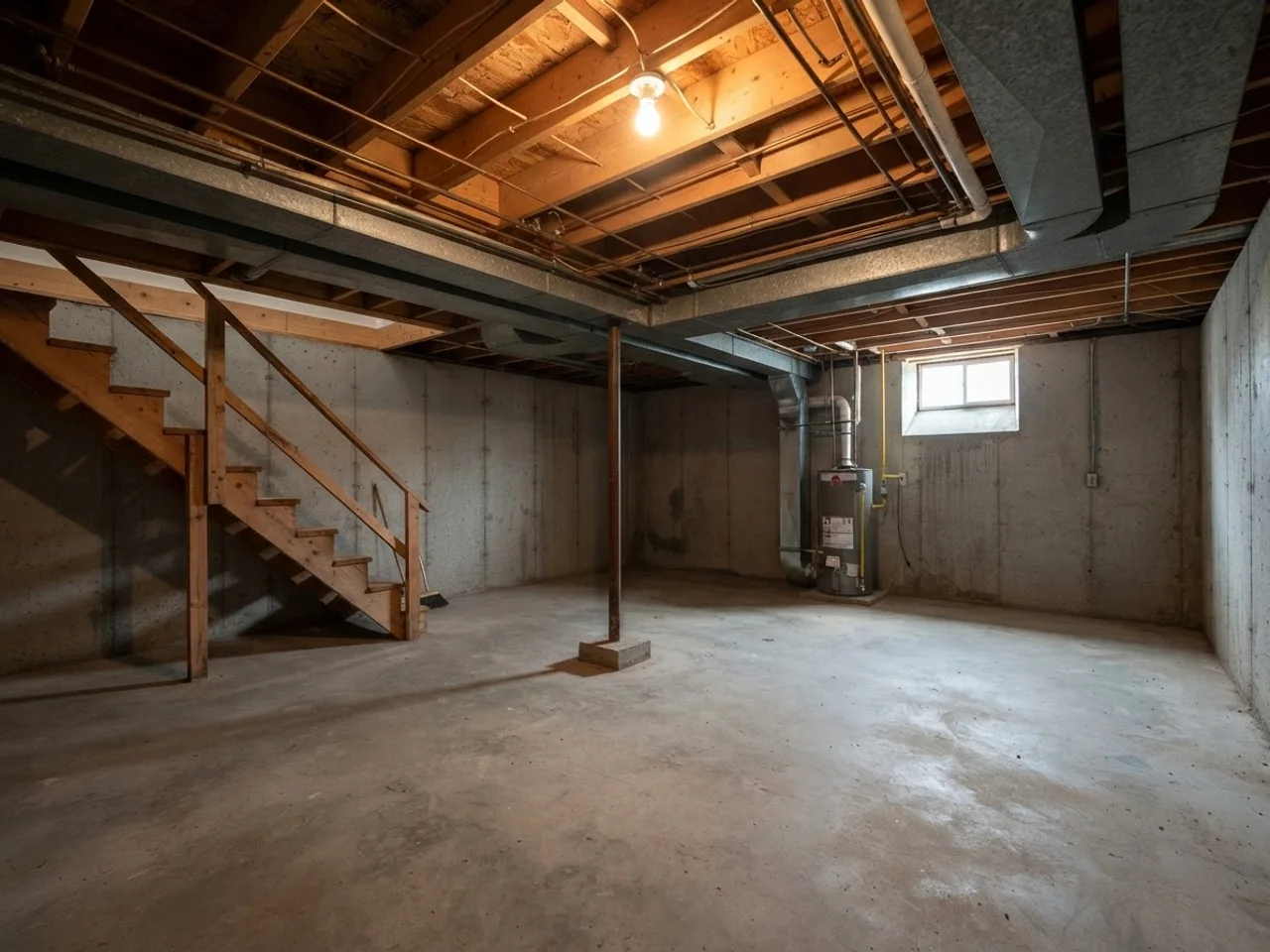
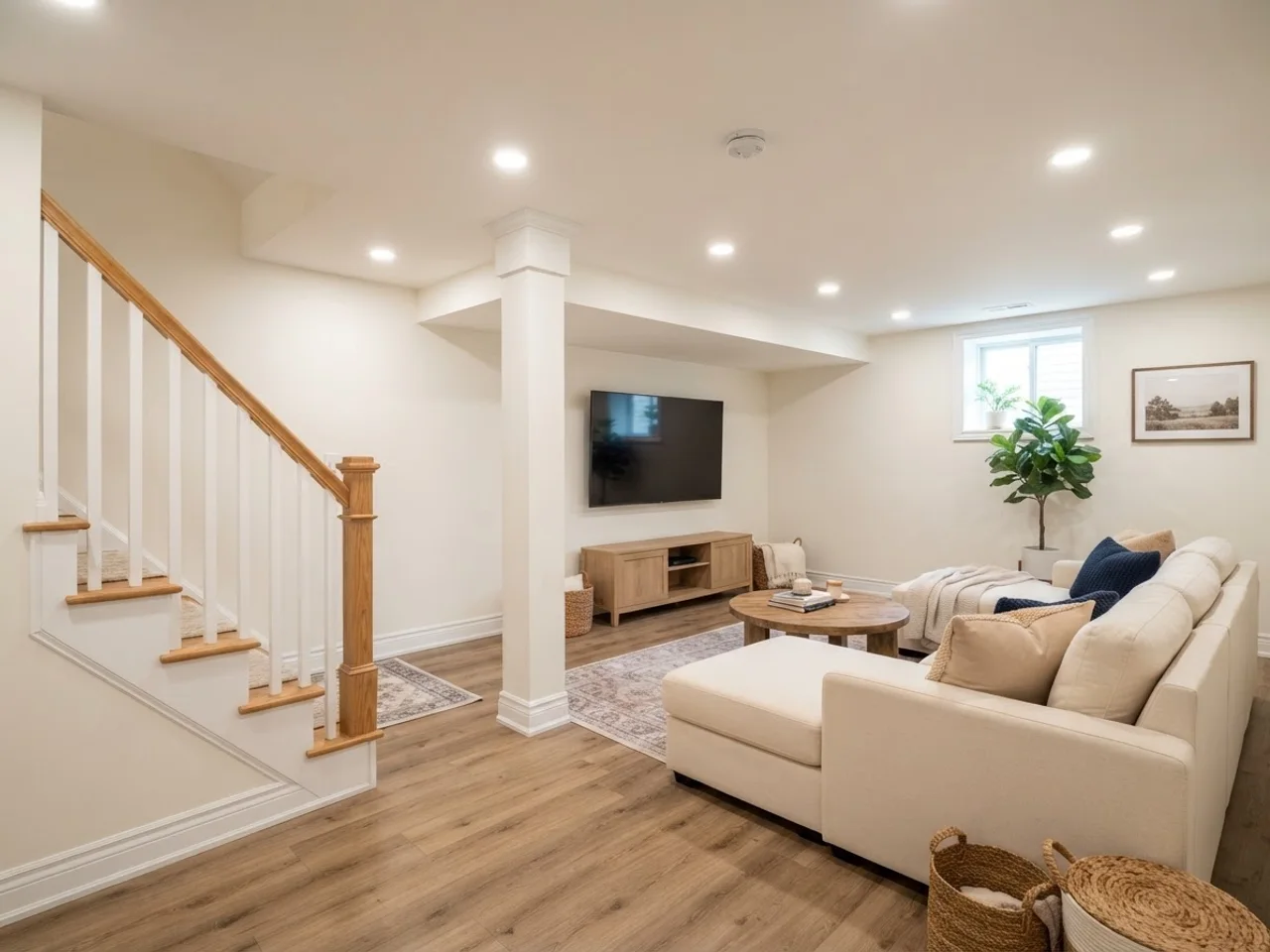
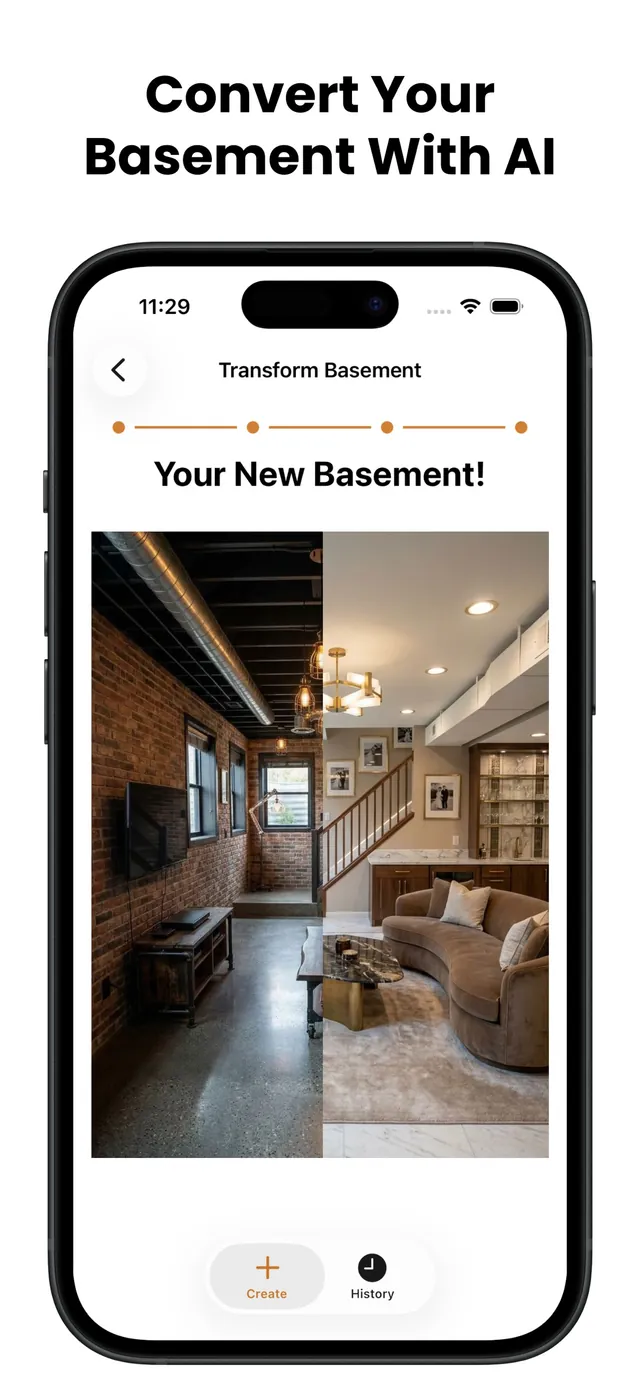
Basement Design is an app for one job: showing you what your basement looks like finished before you spend anything. You take a photo of the room as it is, concrete walls, exposed joists, the water heater in the corner, and the AI returns a photorealistic image of that same room finished. Same walls, same column, same staircase, same window. It does not swap in a stock photo of somebody else's basement. It keeps your layout and finishes it.
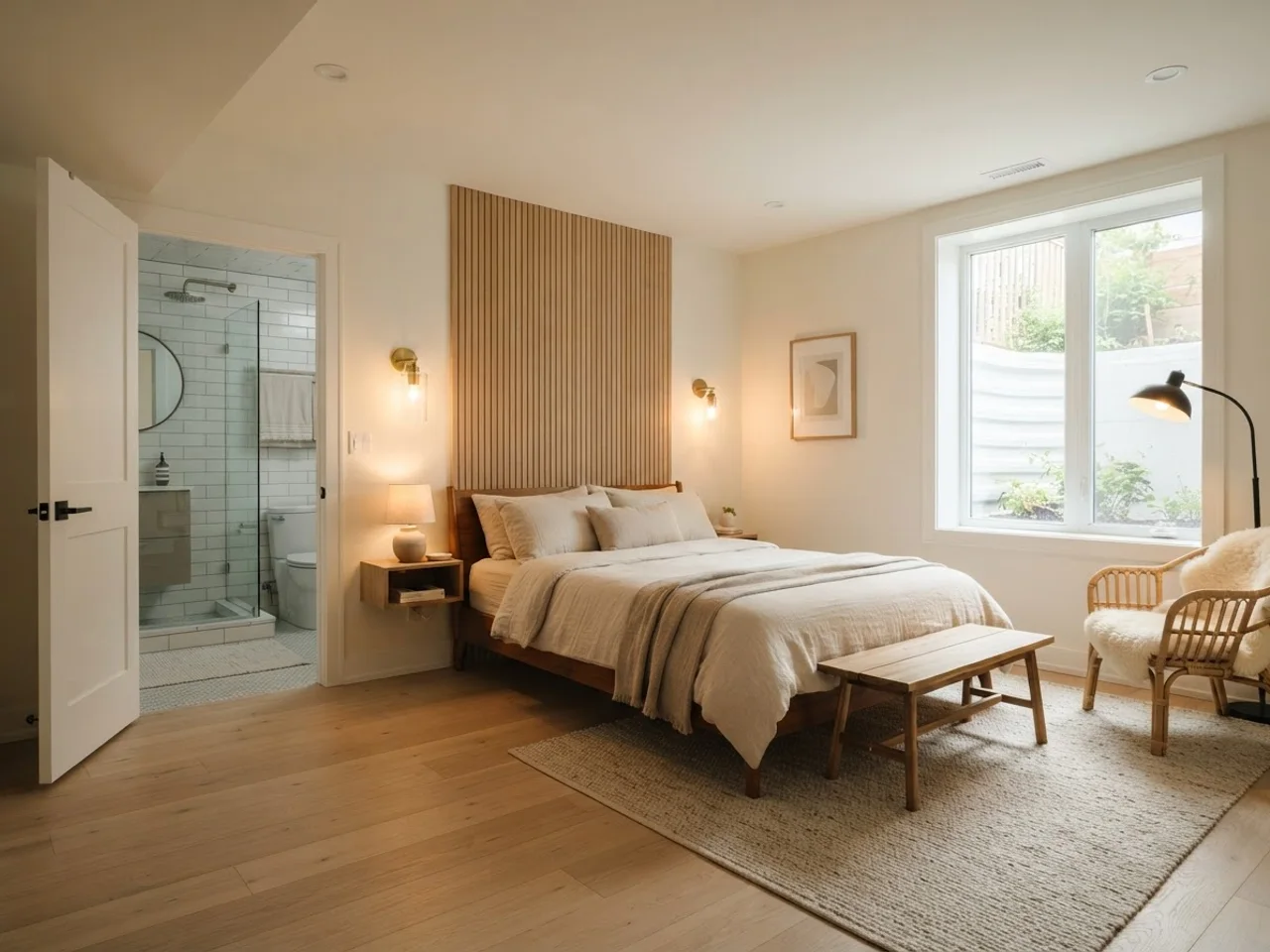
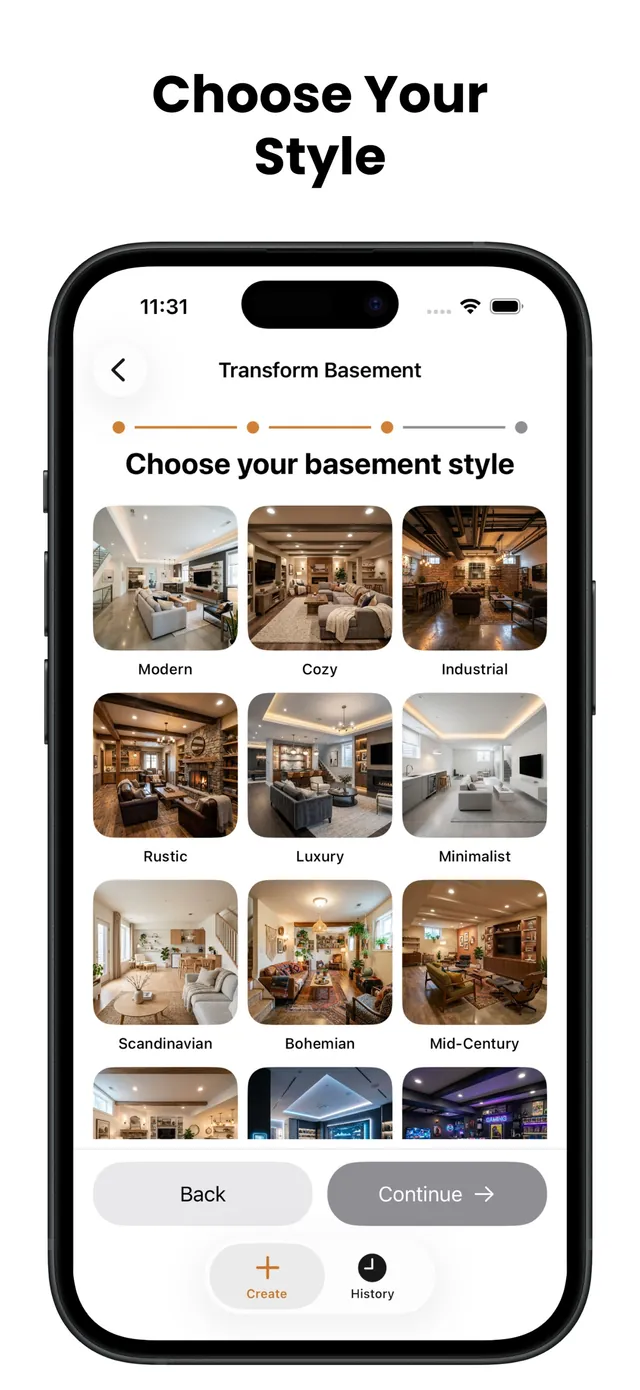
You choose what the room becomes and what it looks like. There are more than ten room types (home theater, home gym, home bar, game room, guest suite, home office and more) and twelve styles, from Modern and Scandinavian to Rustic, Luxury and Gaming. Rendering the same photo as a Cozy theater and then as a Tech game room takes seconds, which is the point: the argument about what the basement should be gets settled with pictures instead of adjectives. If you have no photo to work from, or the space is still a hole in the ground, Dream Basement mode builds a scene from scratch from the room type, style and features you pick.
It is built for homeowners at the deciding stage: you know the basement should become something, you have a rough budget, and you want to see the options before calling a contractor or committing to a layout. It also works for the second conversation, when the contractor asks what you want and you hand over a render of your actual room instead of a board of rooms that are not yours.
It is not a construction tool. There are no blueprints, no dimensioned floor plans, no 3D model you can rotate, no material takeoffs. If you need framing drawings for a permit, that is a designer or a CAD program. If you need to know whether a bar or a guest suite is the right call, and what either would feel like in the room you have, that is this app.
Compared with basement design software, the trade is precision for speed and realism. SketchUp, RoomSketcher or Planner 5D will give you a measured plan and a 3D walkthrough after an afternoon of learning the tool and drawing every wall, and the output looks like a model, because it is one. This app gives you a photo-real finished version of your real room in under a minute, with no drawing and no measuring. Most people need the second thing first and the first thing only if they proceed, and many never need the drawings at all because the contractor produces them. The app is free to download; generating renders takes a subscription, weekly or yearly, which costs less than one hour of a designer's time.
| This app | 3D CAD software | Hiring a designer |
|---|
| Time to first result | Under a minute | An afternoon to learn, hours per layout | One to three weeks |
| Cost | Free download, subscription to render | Free to $300 per year | $1,500-5,000 for concepts, more for drawings |
| Output | Photorealistic image of your real room | Measured plan and 3D model | Plans, finish schedule, sometimes renders |
| Best for | Deciding what to build and in which style | Drawing what you already decided | Complex layouts, permits, full remodels |